Meez.
Browse Prompts Backgrounds Pricing
Contact Sign in ·

Form · Free prompt

AI Voice Input

free · paste into Lovable, Bolt, v0, Cursor or Claude

AI Voice Input is a complete, paste-ready form build-prompt — a full art-direction spec for Lovable, Bolt, v0, Cursor and Claude. It's free: copy it below and paste it into your builder.

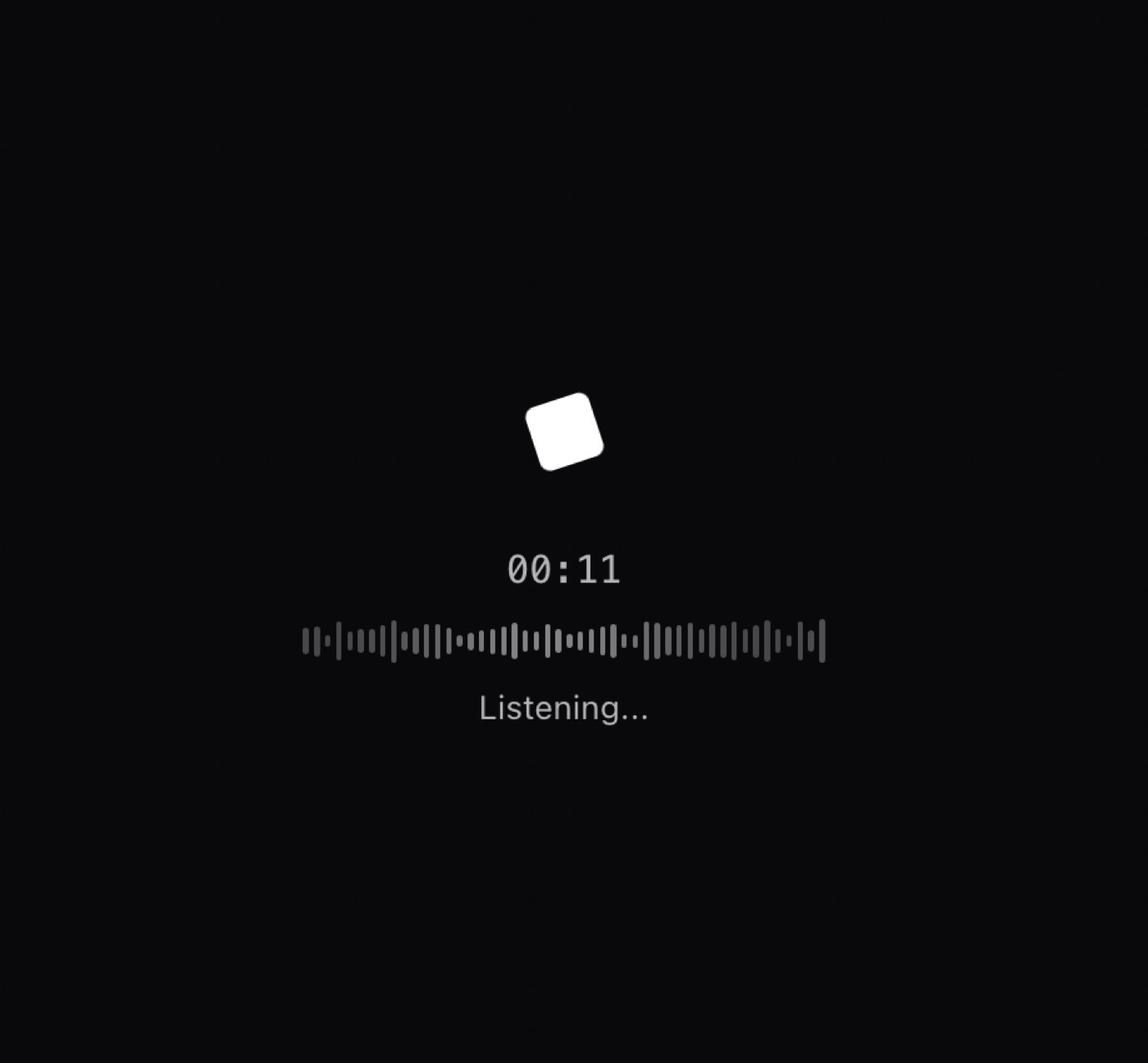
AI Voice Input preview

“A voice input component with an animated visualizer and recording timer. It includes a demo mode, customizable visualizer, and recording callbacks. Features: • Animated audio visualizer • Recording timer display • …”

AI Voice InputForm · free prompt · copy-paste

Prompt page

A voice input component with an animated visualizer and recording timer. It includes a demo mode, customizable visualizer, and recording callbacks.

Features:
	•	Animated audio visualizer
	•	Recording timer display
	•	Demo/preview mode
	•	Start/stop callbacks
	•	Dark mode support
	•	Customizable visualizer bars
	•	Mobile responsive

— Install —
npx shadcn@latest add "https://21st.dev/r/ai-voice-input"

— Component source (AI Voice Input.tsx) —

"use client";

import { Mic } from "lucide-react";
import { useState, useEffect } from "react";
import { cn } from "@/lib/utils";

interface AIVoiceInputProps {
  onStart?: () => void;
  onStop?: (duration: number) => void;
  visualizerBars?: number;
  demoMode?: boolean;
  demoInterval?: number;
  className?: string;
}

export function AIVoiceInput({
  onStart,
  onStop,
  visualizerBars = 48,
  demoMode = false,
  demoInterval = 3000,
  className
}: AIVoiceInputProps) {
  const [submitted, setSubmitted] = useState(false);
  const [time, setTime] = useState(0);
  const [isClient, setIsClient] = useState(false);
  const [isDemo, setIsDemo] = useState(demoMode);

  useEffect(() => {
    setIsClient(true);
  }, []);

  useEffect(() => {
    let intervalId: NodeJS.Timeout;

    if (submitted) {
      onStart?.();
      intervalId = setInterval(() => {
        setTime((t) => t + 1);
      }, 1000);
    } else {
      onStop?.(time);
      setTime(0);
    }

    return () => clearInterval(intervalId);
  }, [submitted, time, onStart, onStop]);

  useEffect(() => {
    if (!isDemo) return;

    let timeoutId: NodeJS.Timeout;
    const runAnimation = () => {
      setSubmitted(true);
      timeoutId = setTimeout(() => {
        setSubmitted(false);
        timeoutId = setTimeout(runAnimation, 1000);
      }, demoInterval);
    };

    const initialTimeout = setTimeout(runAnimation, 100);
    return () => {
      clearTimeout(timeoutId);
      clearTimeout(initialTimeout);
    };
  }, [isDemo, demoInterval]);

  const formatTime = (seconds: number) => {
    const mins = Math.floor(seconds / 60);
    const secs = seconds % 60;
    return `${mins.toString().padStart(2, "0")}:${secs.toString().padStart(2, "0")}`;
  };

  const handleClick = () => {
    if (isDemo) {
      setIsDemo(false);
      setSubmitted(false);
    } else {
      setSubmitted((prev) => !prev);
    }
  };

  return (
    <div className={cn("w-full py-4", className)}>
      <div className="relative max-w-xl w-full mx-auto flex items-center flex-col gap-2">
        <button
          className={cn(
            "group w-16 h-16 rounded-xl flex items-center justify-center transition-colors",
            submitted
              ? "bg-none"
              : "bg-none hover:bg-black/10 dark:hover:bg-white/10"
          )}
          type="button"
          onClick={handleClick}
        >
          {submitted ? (
            <div
              className="w-6 h-6 rounded-sm animate-spin bg-black dark:bg-white cursor-pointer pointer-events-auto"
              style={{ animationDuration: "3s" }}
            />
          ) : (
            <Mic className="w-6 h-6 text-black/70 dark:text-white/70" />
          )}
        </button>

        <span
          className={cn(
            "font-mono text-sm transition-opacity duration-300",
            submitted
              ? "text-black/70 dark:text-white/70"
              : "text-black/30 dark:text-white/30"
          )}
        >
          {formatTime(time)}
        </span>

        <div className="h-4 w-64 flex items-center justify-center gap-0.5">
          {[...Array(visualizerBars)].map((_, i) => (
            <div
              key={i}
              className={cn(
                "w-0.5 rounded-full transition-all duration-300",
                submitted
                  ? "bg-black/50 dark:bg-white/50 animate-pulse"
                  : "bg-black/10 dark:bg-white/10 h-1"
              )}
              style={
                submitted && isClient
                  ? {
                      height: `${20 + Math.random() * 80}%`,
                      animationDelay: `${i * 0.05}s`,
                    }
                  : undefined
              }
            />
          ))}
        </div>

        <p className="h-4 text-xs text-black/70 dark:text-white/70">
          {submitted ? "Listening..." : "Click to speak"}
        </p>
      </div>
    </div>
  );
}

Browse & preview free → Unlock everything — from $19/mo

More like this

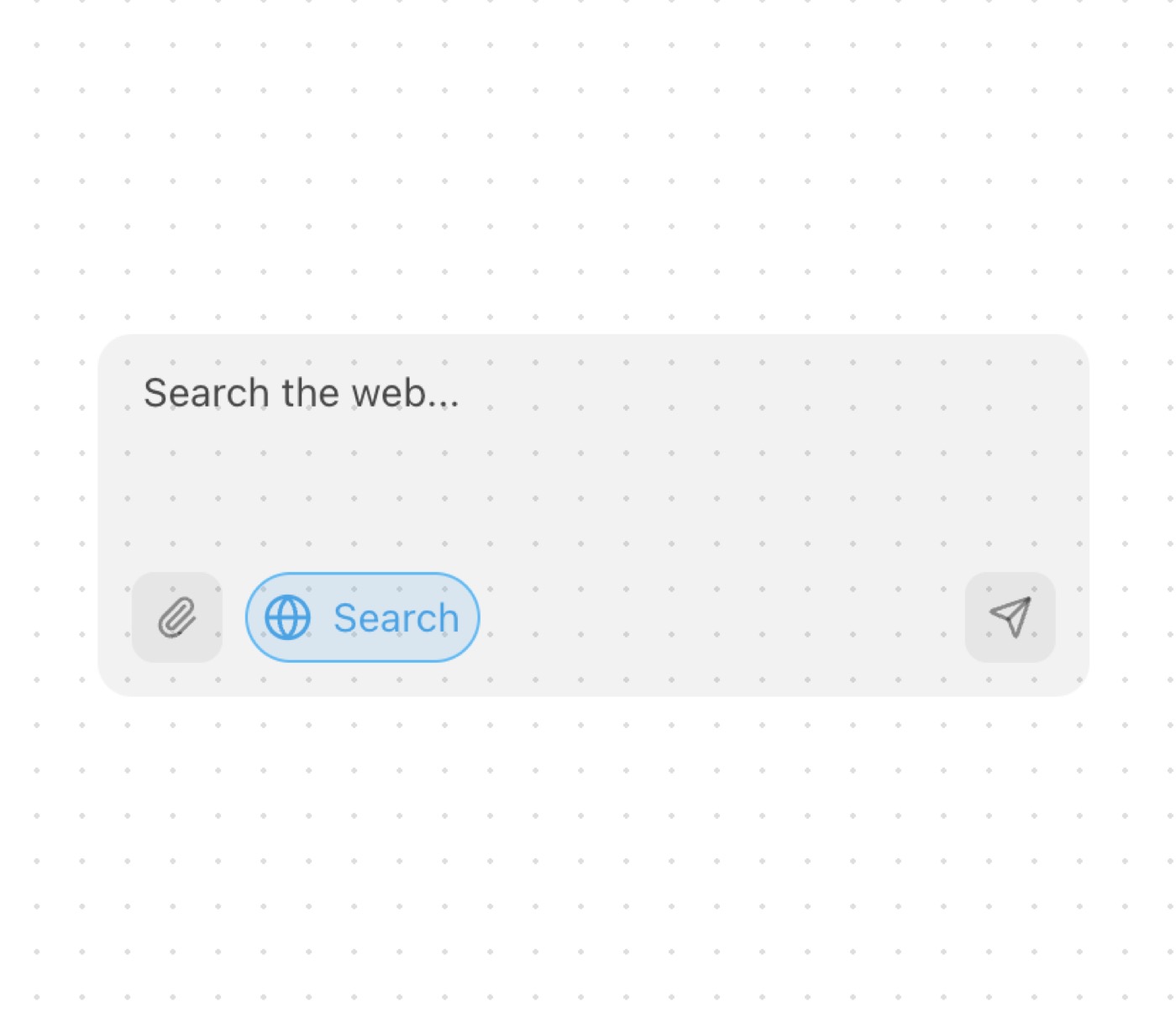
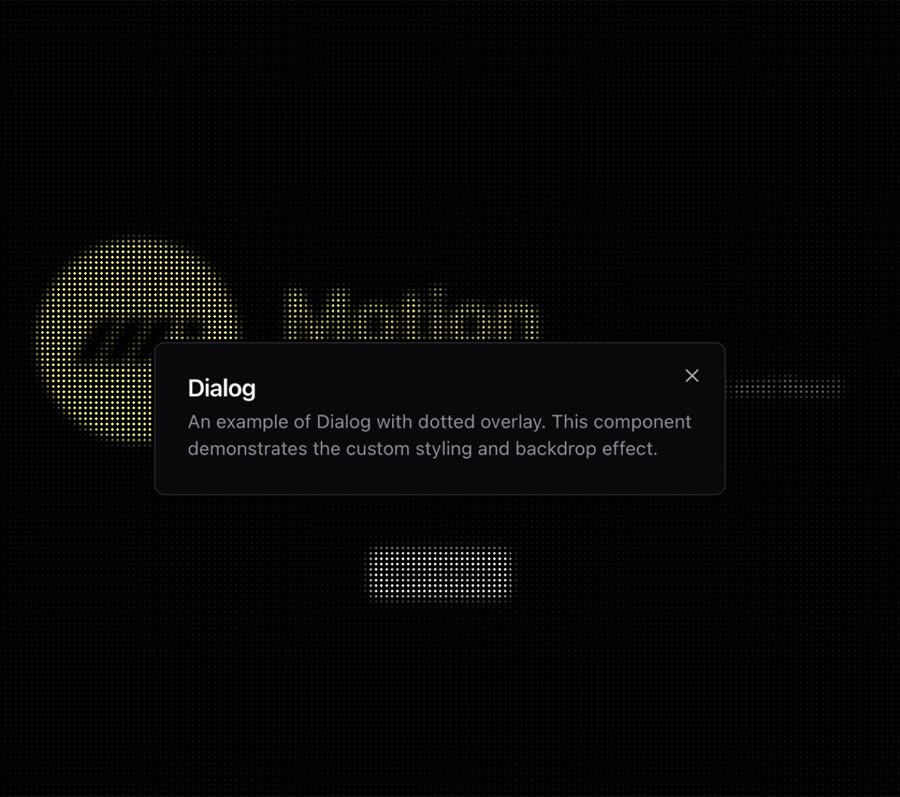
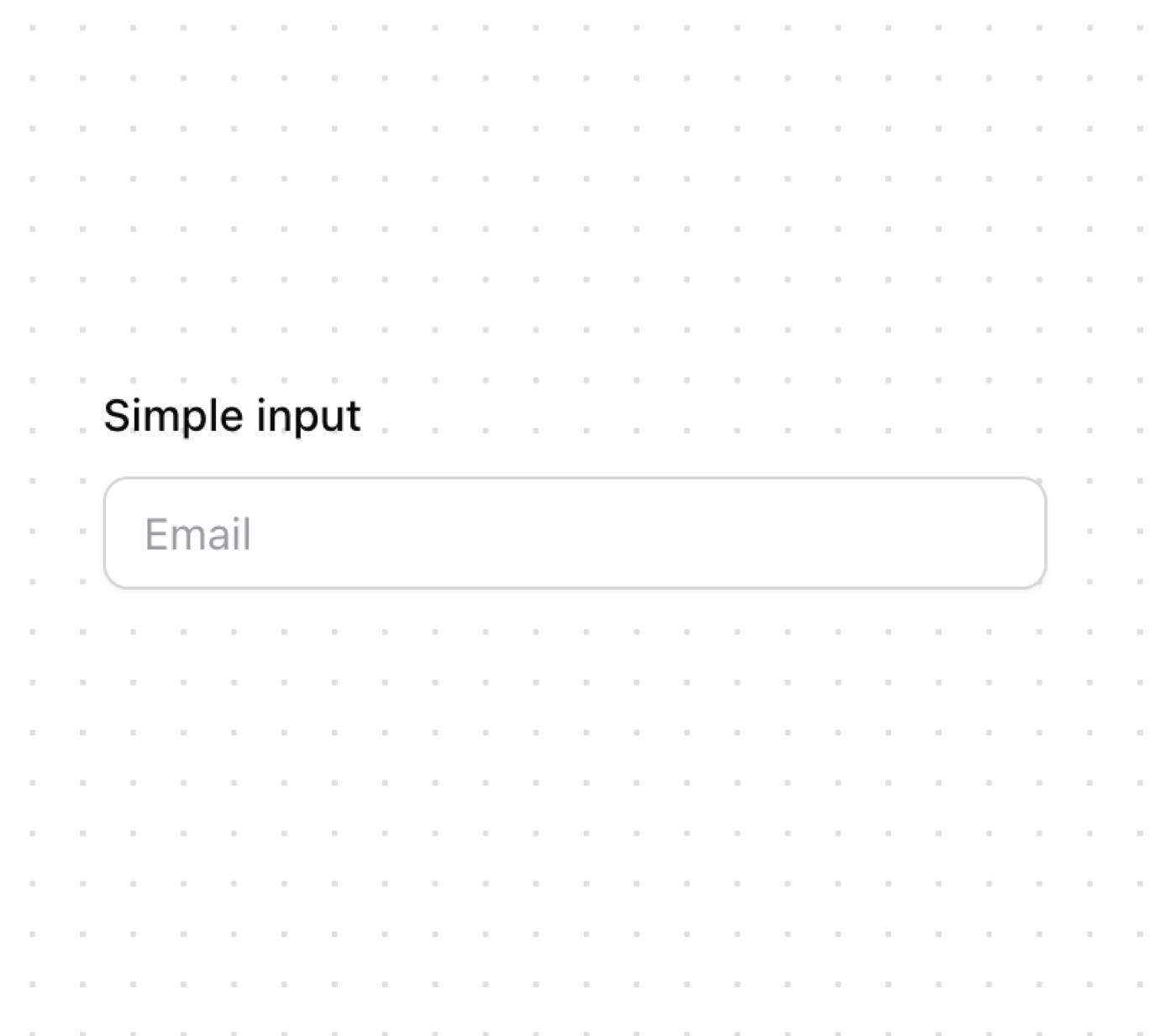
Arceage Contact Us — Form website build-promptArceage Contact Us Dialog — Form website build-promptDialog AI Input With Loading — Form website build-promptAI Input With Loading AI Input With Search — Form website build-promptAI Input With Search Dotted Dialog — Form website build-promptDotted Dialog Input — Form website build-promptInput
Meez.

The biggest library of AI website build-prompts & motion backgrounds — at the lowest price.

Library
Browse all Prompts by category Section prompts Motion backgrounds Pricing
Learn & contact
How it works Why AI sites look generic Terms Privacy Contact Affiliates
© Meez — an open archive. Start free · Unlimited from $19/mo · cancel anytime.